
Shopping list
Turn a recipe’s ingredients into a checkable list.
Features
Pose changes the layout. The hinge changes the step.
01 · Hinge
From a settled angle, open about +12° to go to the next step and close about −12° to go back. A short debounce of about 0.4 seconds means a fold into tent or flat won’t skip the recipe.
02 · Poses
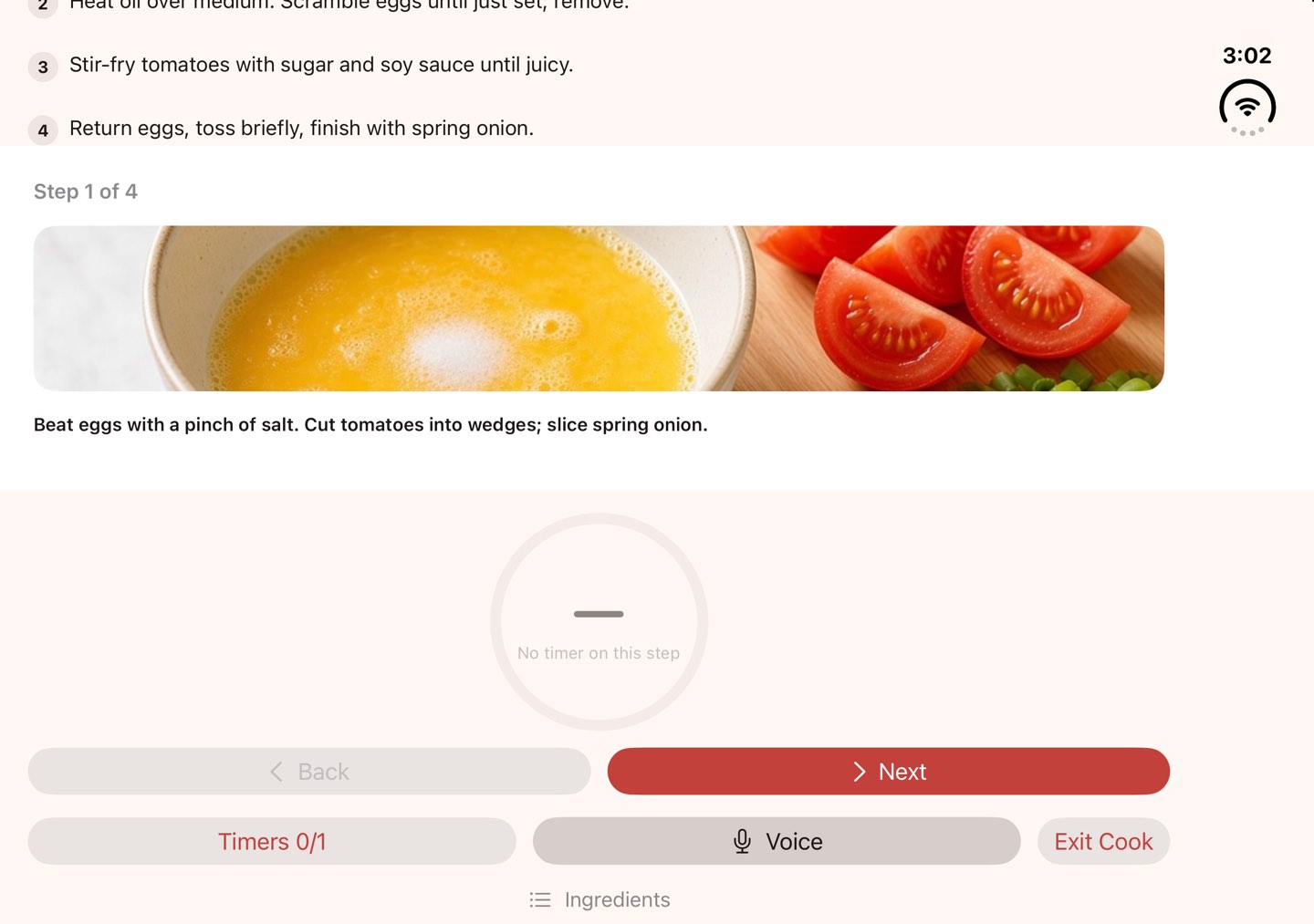
In a half-fold the current step sits on the upper screen in large type, with the timer and Back and Next on the lower half. Open it flat to see the step list beside the step you’re on.
03 · Voice Cook
Allow the mic once and voice Cook listens for the whole Cook session. Closing to the cover screen pauses listening. Each command gets a confirmation haptic. The mic is optional; hinge and tap work without it.
Phrases in English, Traditional Chinese (Cantonese OK) and Simplified Chinese.
| You say | HingeCook does |
|---|---|
| “next” | Goes to the next step |
| “back” | Goes back a step |
| “start timer” | Starts the step’s timer |
| “how long left” | Tells you the time remaining |
| “where am I” | Reads the current step |
| “timer five minutes” | Sets a timer for you |
04 · Siri & Shortcuts
HingeCook’s App Intents and in-app voice share one Cook session: recipe, step and timers. Ask Siri for the next step, the previous step, a timer, or the current step read aloud. These are fixed commands; Siri doesn’t get a free-form kitchen chatbot.
05 · Timers
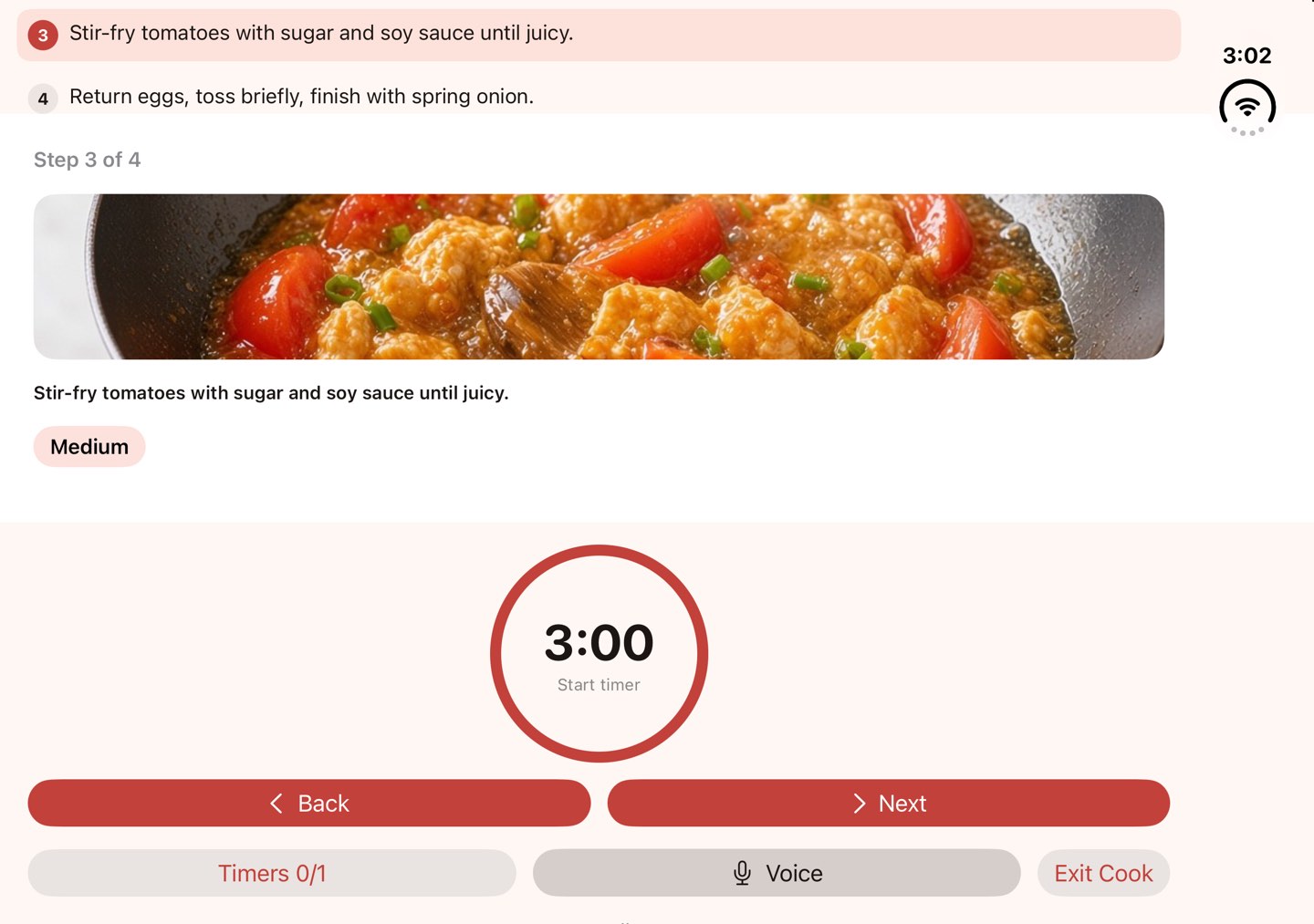
Steps that need a timer carry it, so you start it with a tap or a word. Free runs one timer at a time. Plus runs up to three.
Free · 1 timerPlus · up to 3
06 · Recipes
Free includes 20 recipes. Plus unlocks the full catalog and includes the Wave A regional packs, with new packs over time. There is no per-pack purchase. Recipes on this site are shown in English, Traditional Chinese and Simplified Chinese.
+ new packs over time, included with Plus
07 · Plus tools
Turn a recipe’s ingredients into a checkable list.
Favorites and your own recipes sync with your Apple ID.
Write a recipe once. Cook it with the hinge.
Start Cook goes straight to step 1.